When uploading a PDF knowledge base into AgentLabs’ LLM bot, it’s essential to follow a systematic approach to ensure that the content is uploaded, processed, and integrated efficiently. Here’s a best practices guide to help you through the process.
Pre-Processing the PDF Document
Before uploading the PDF into the bot, ensure the document is in the best format for consumption by the LLM.
- Remove unnecessary elements: Eliminate metadata, footers, watermarks, or background graphics.
- Check file size: At AgentLabs LLM, the maximum size limit is 35 Mb. Compress the file if it is too large, but ensure readability is not compromised.
- Document Structure Consistency: Use clear headings, bullet points, and consistent formatting to facilitate easier parsing by the LLM.
Types of content that can be extracted by AgentLabs LLM
🗒️ Note
Currently, AgentLabs LLM supports multimodal (image) ! You can get information from the images in your PDF file.
There are several types of content that can be trained in the LLM:
- Text: LLM will take all the text contained in the PDF file which will then be trained into the model.
- Image: LLM will extract the image and describe it in text form, which will then be trained into LLM.
| 👍Good Practice | 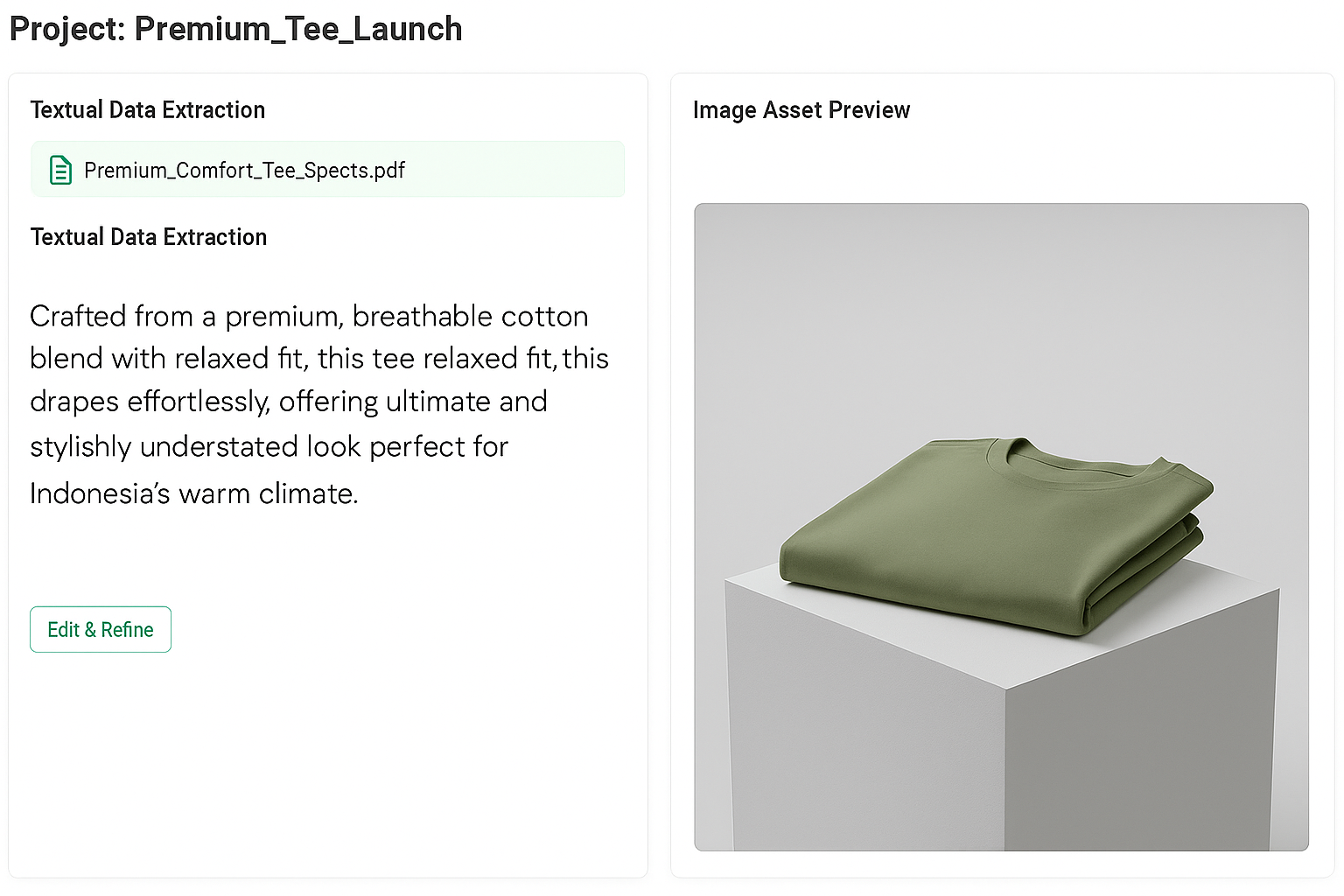 |
| 👎Poor Practice | 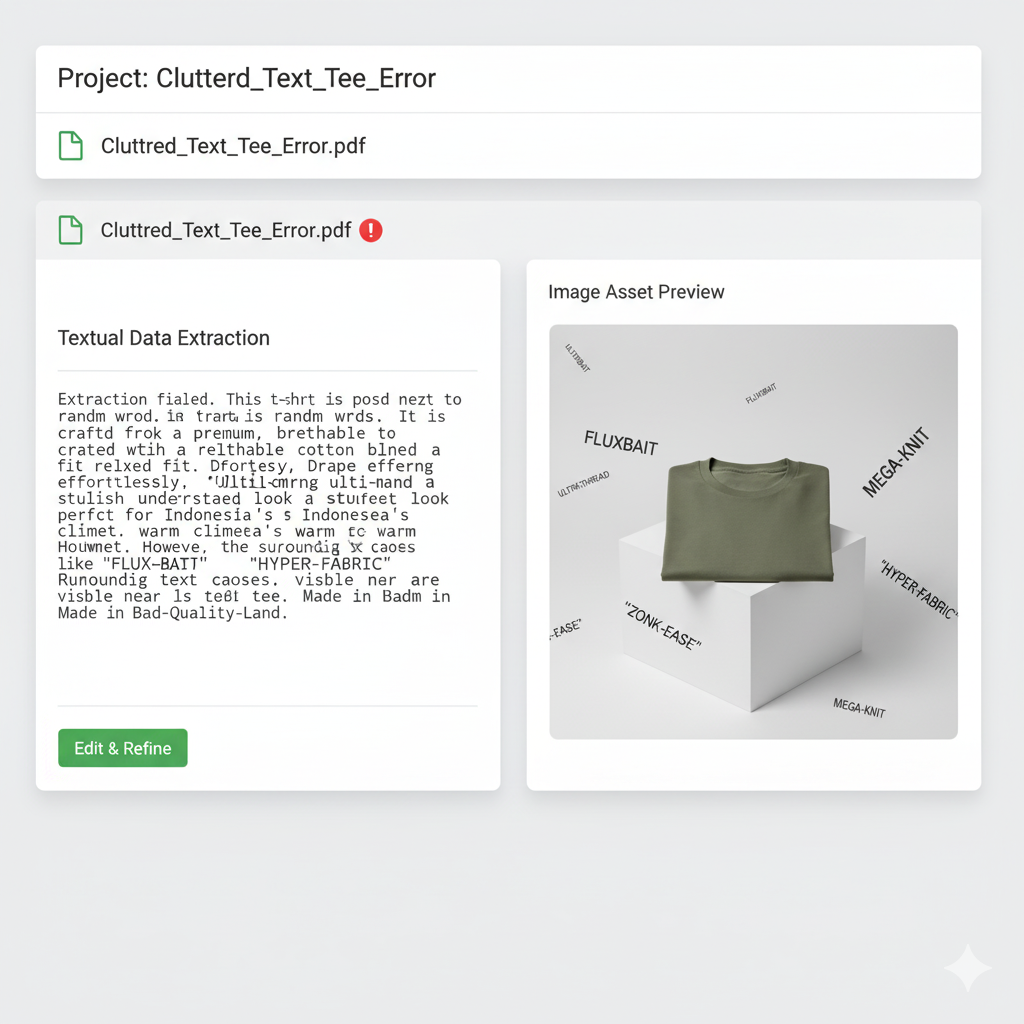 |
Make sure the PDF file used is in the form of text or image so that it can be read and extracted
Content Segmentation and Structuring
- Break into sections: Organize content into sections, topics, or chapters, if possible. This segmentation helps the LLM understand and retrieve specific information more accurately.
- Use meaningful headings: Ensure that each section is well-labeled with informative titles.
Content Filter
Content filtering refers to the process of monitoring, controlling, or restricting certain types of content that the LLM can generate or process. This is done to ensure the outputs are appropriate for a given context, audience, or purpose. Filtering can be applied to prevent:
- Offensive language (e.g., hate speech, discriminatory terms)
- Violent or harmful content
- Misinformation or disinformation
- Sensitive or private information leakage
- Inappropriate or explicit material
| 👍Good Practice Using non-plagiarized photos, so that LLM can still process the photos | 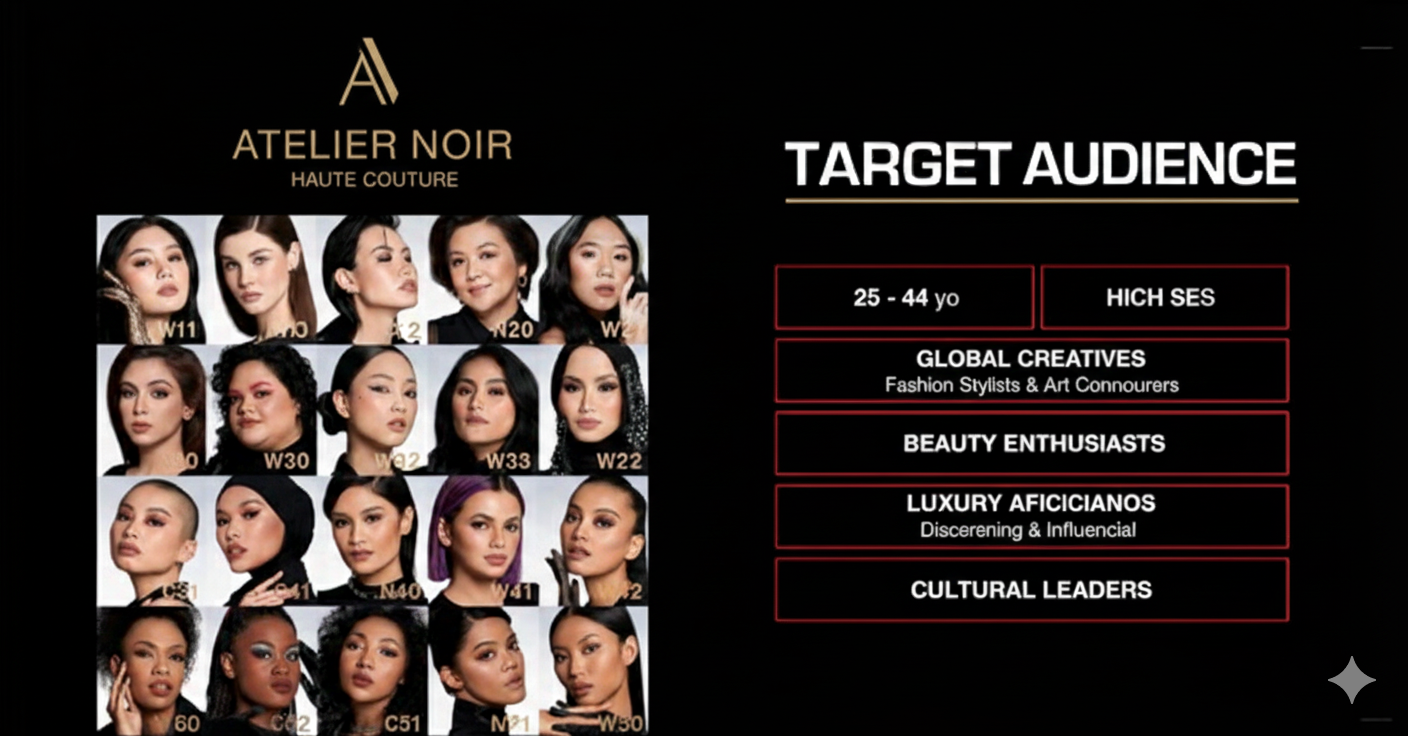 |
| 👎Poor Practice Avoid using images of consumers, as this can lead to a false sense of security. The following error appears: Error content filter with the details: Sexual Content Filtered: True, Severity: high. Violence Content Filtered: False, Severity: safe. Hate Content Filtered: False, Severity: safe. Self harm Content Filtered: False, Severity: safe. | 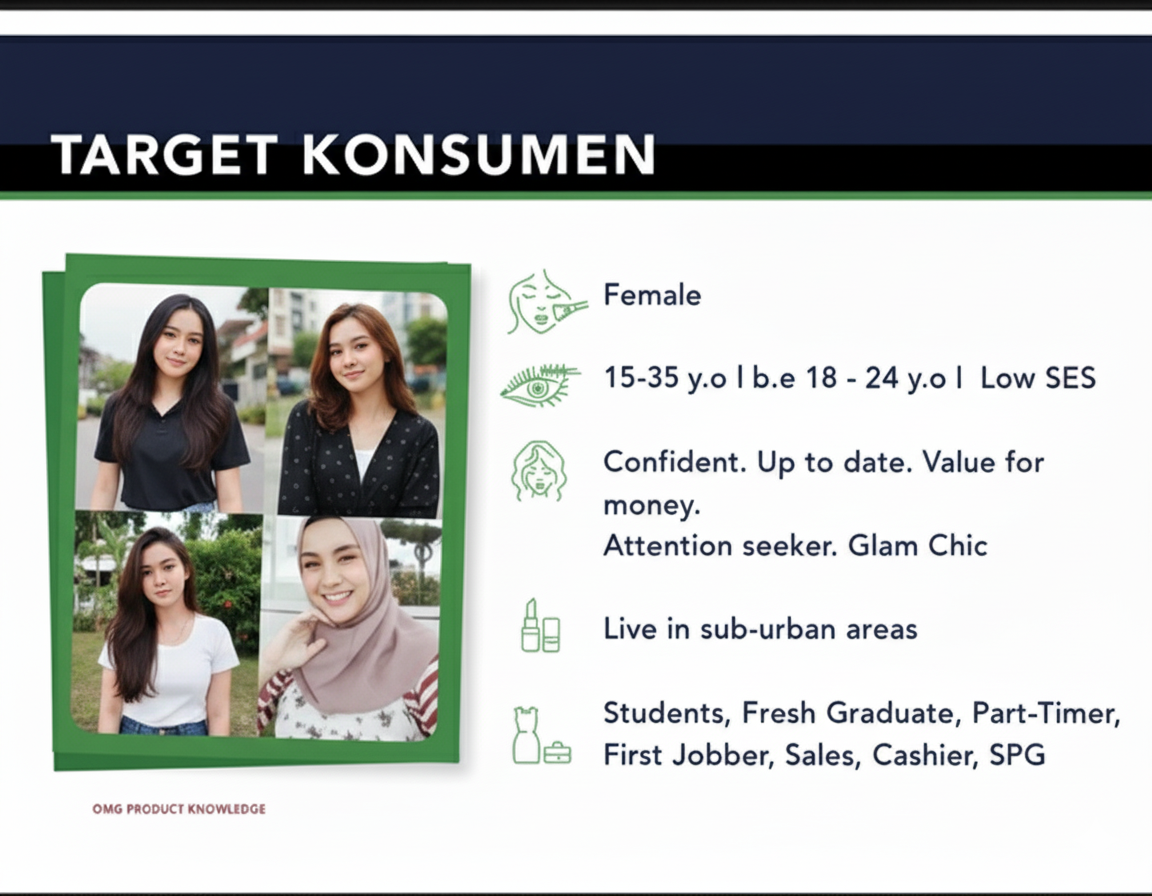 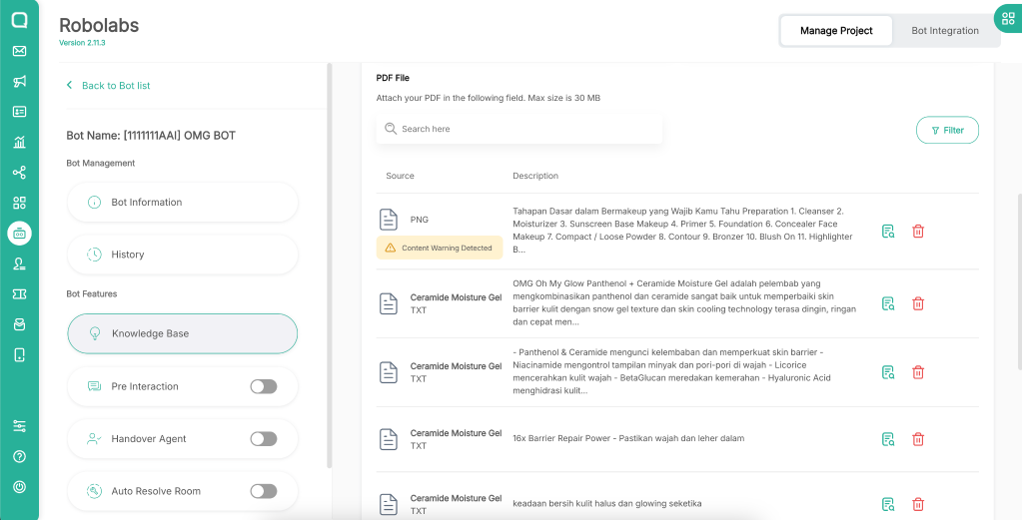 |
Examples of Best Practice
Here is an example of Best Practice on how to create a PDF knowledge base so that your content can be understood by AgentLabs LLM.
Avoid ambiguity
If it’s confusing or ambiguous for a human to read, it’s also going to be ambiguous for AgentLabs LLM! (And that’s when there’s a chance it’ll give the wrong answer, or make an incorrect inference, or just not answer something that otherwise should be answerable).
Use headers
It’s important to use headers (H1, H2, or H3) to make your content scannable for both LLM and humans. But you should also include some of the header information in the paragraph below it, just in case LLM fails to properly capture all the headings from image or text.
For your information, LLM will pick up relevant topics based on the header you use. Make sure the header is clear so it will be easier for LLM to read.
🗒️ Important
Headings are very important to make the content clearer and more focused, LLM will detect the content from the headings you provide. You must provide headings with a clear format in a context
| 👍Good Practice Use a clear heading for every different topic, it makes LLM easier to read it | 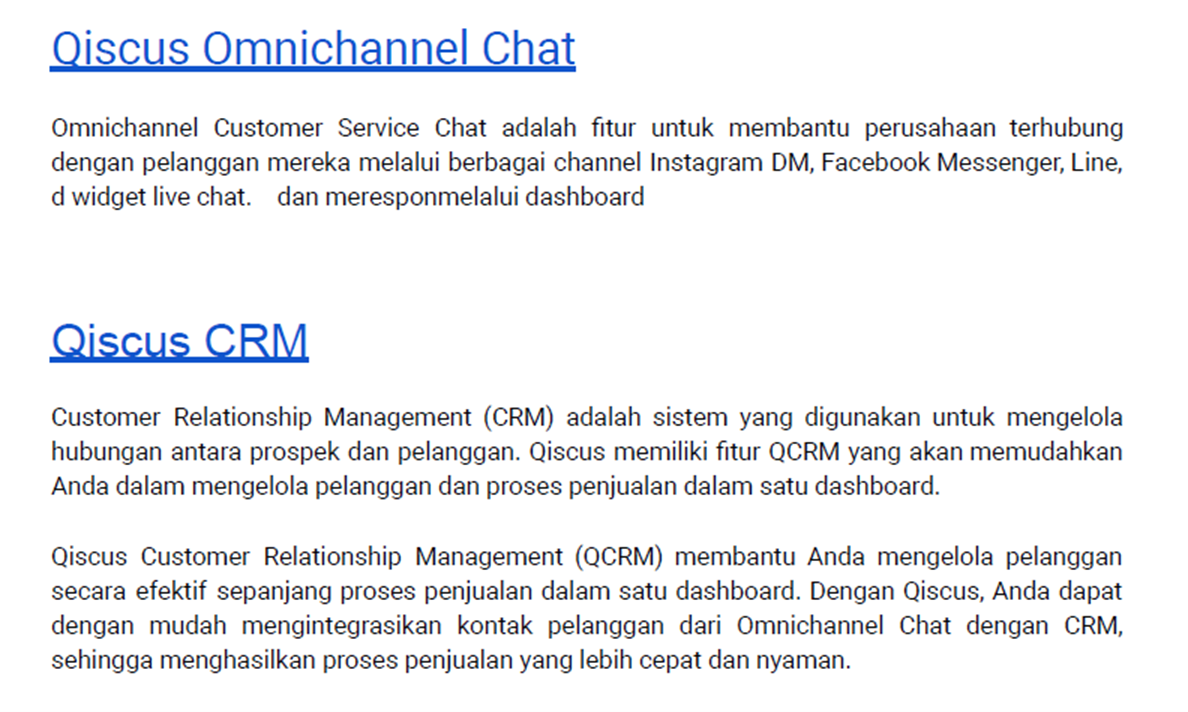 |
| 👎Poor Practice Not using headers makes LLM not understand the topic of the content. | 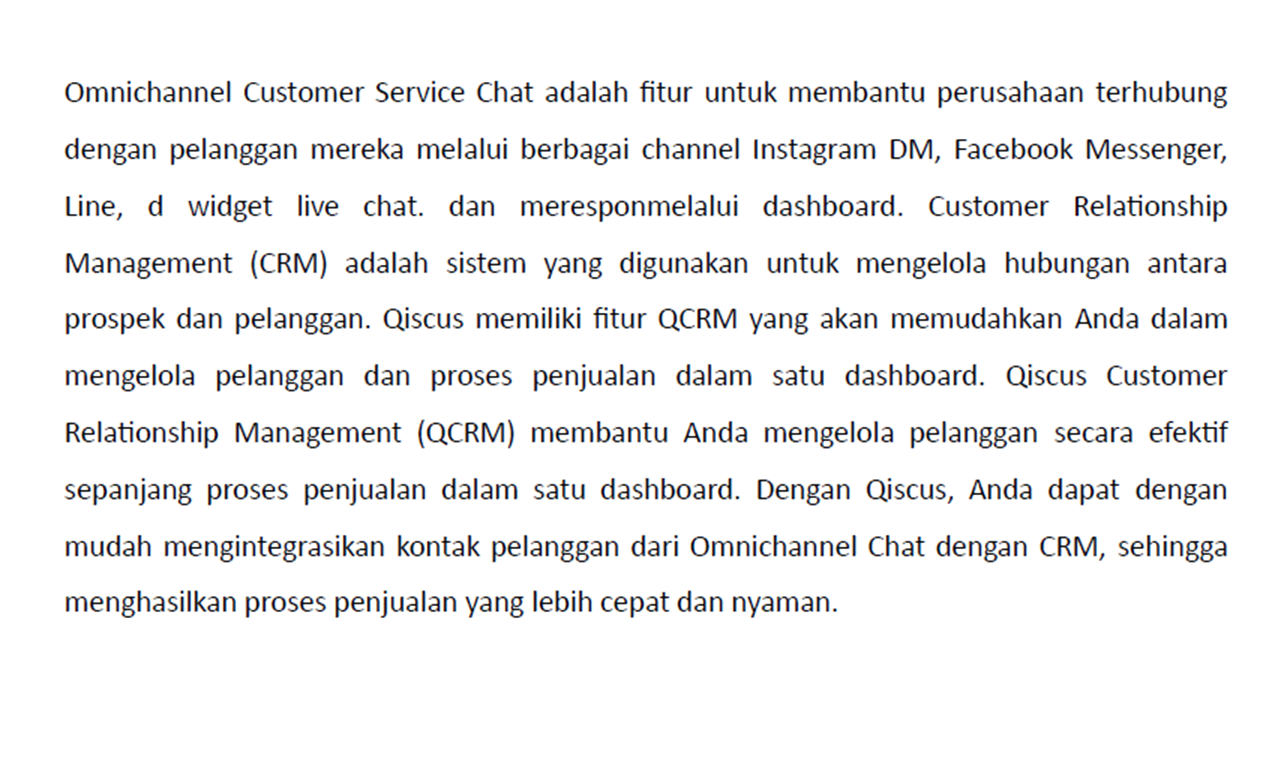 |
Consistent Format
Maintaining a consistent format is crucial for a well-structured Knowledge Base, especially for topics related to LLM. Consistency improves readability, user comprehension, and ease of use.
- Clear heading and consistent bullet point.
| 👍Good Practice Use clear headings, bullet points, and consistent formatting across all content. | 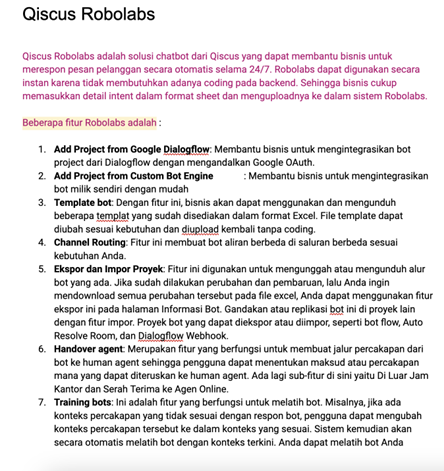 |
| 👎Poor Practice There is still a watermark, the image can be extracted by LLM into text knowledge. | 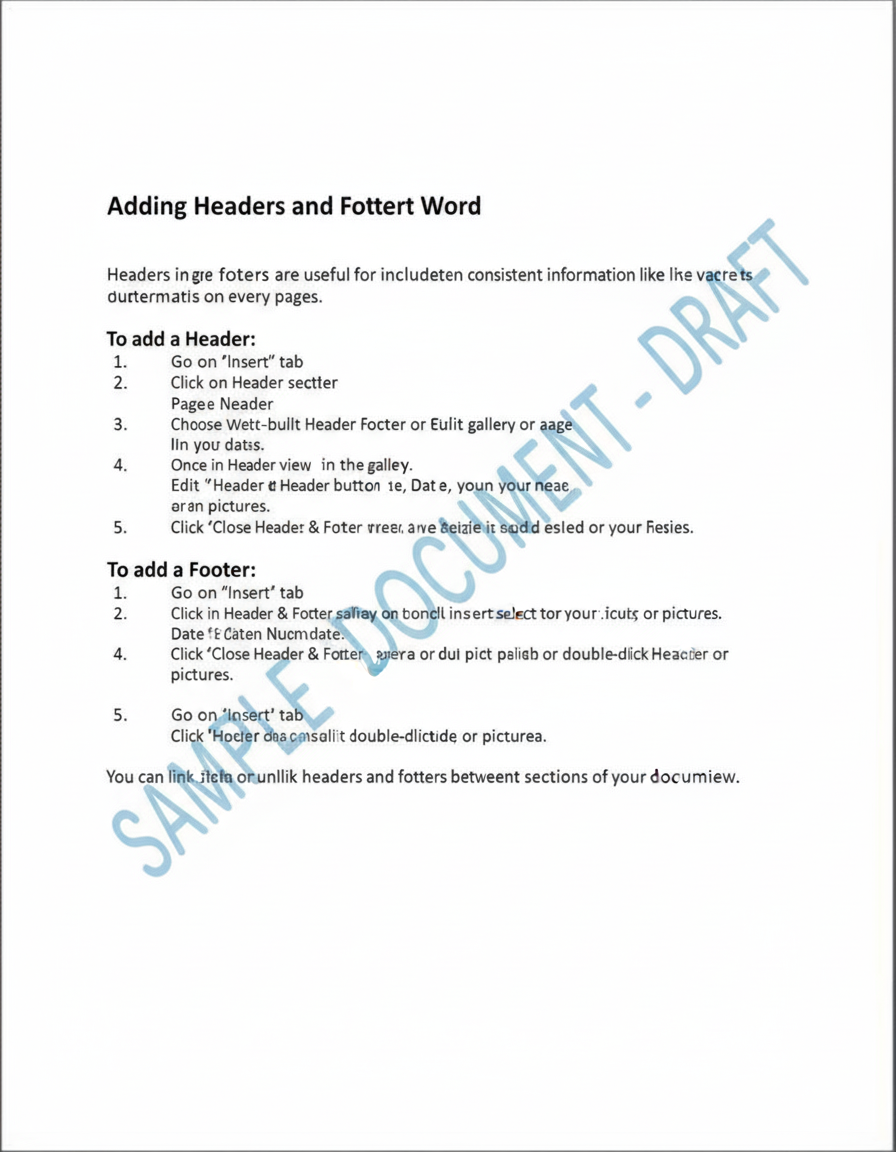 |
| 👍Good Practice | 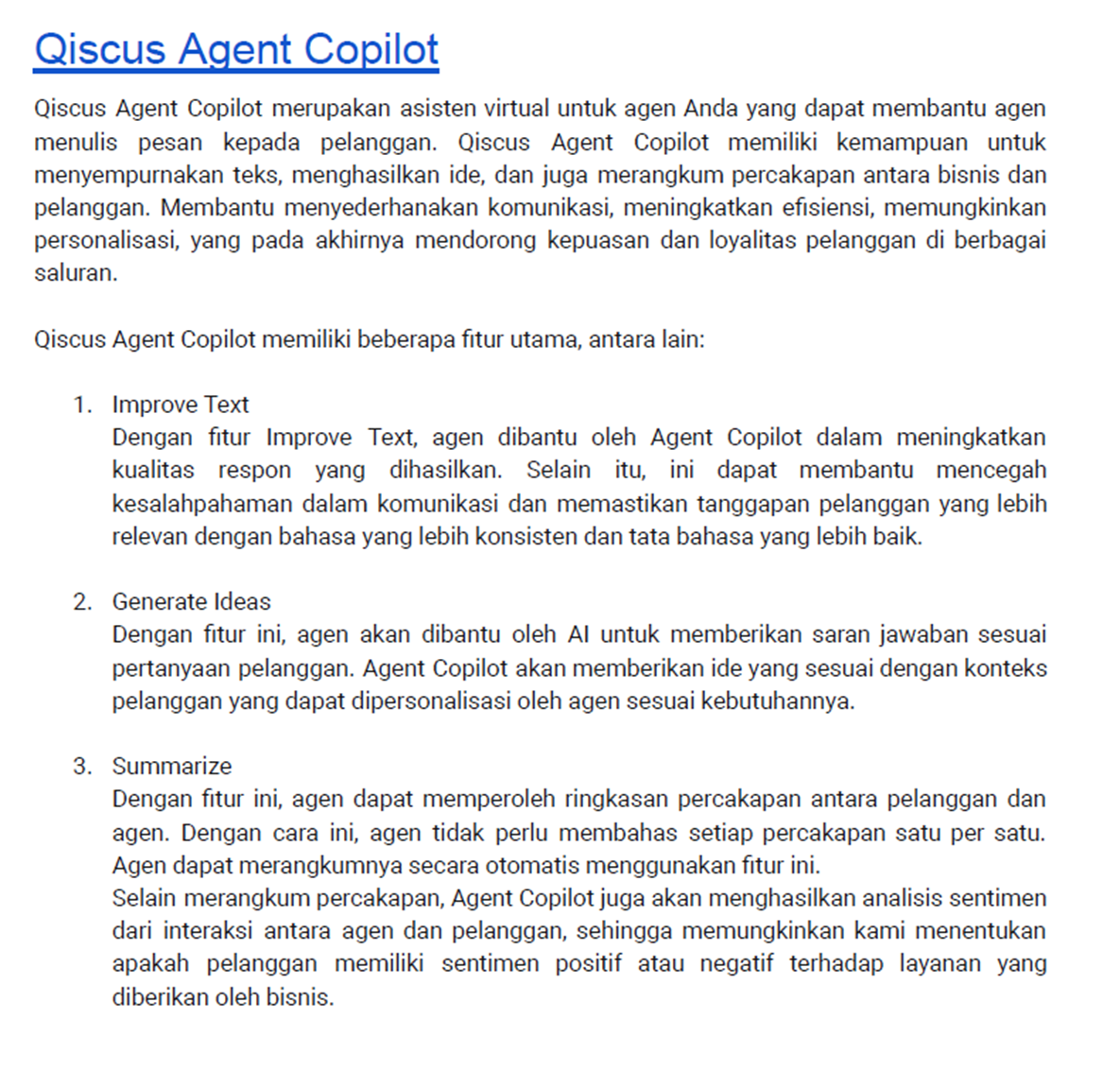 |
| 👎Poor Practice | 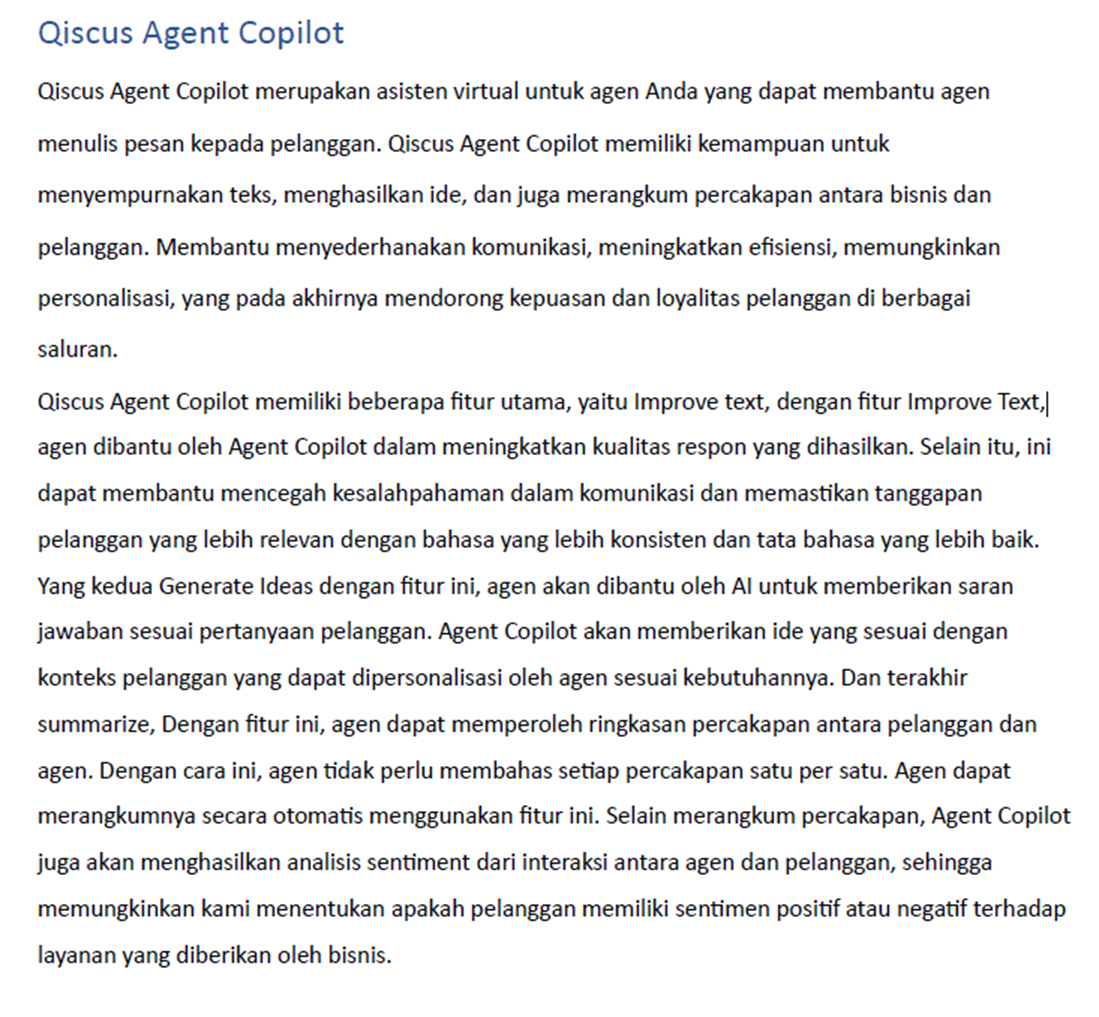 |
- The title for each content is short but clear and on the same page, according to the content.
| 👍Good Practice | Clear and short title, preferably also on the same page. |
| 👎Poor Practice | Title or heading separate from content page |
Things to Know in AgentLabs
- After successfully uploading the PDF, wait until all images have been extracted, then you can continue to Train Knowledge Base.
| 👍Good Practice Make sure all images have been extracted, then carry out the training process. | 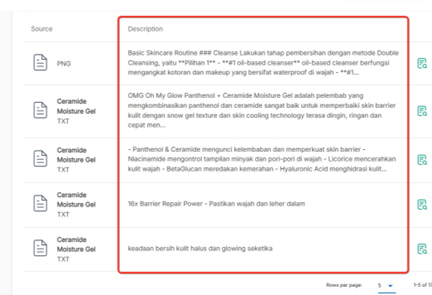 |
| 👎Poor Practice If the status “on process extracting image” still appears, do not do the training first. | 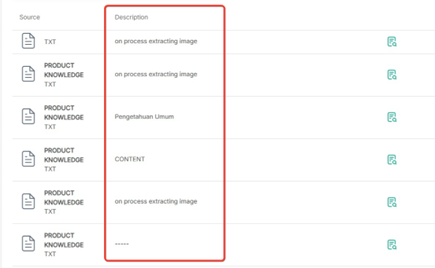 |
- When uploading a PDF, you should wait for it to finish first (successfully train), after which you can continue to upload the next PDF.
| 👍Good Practice | 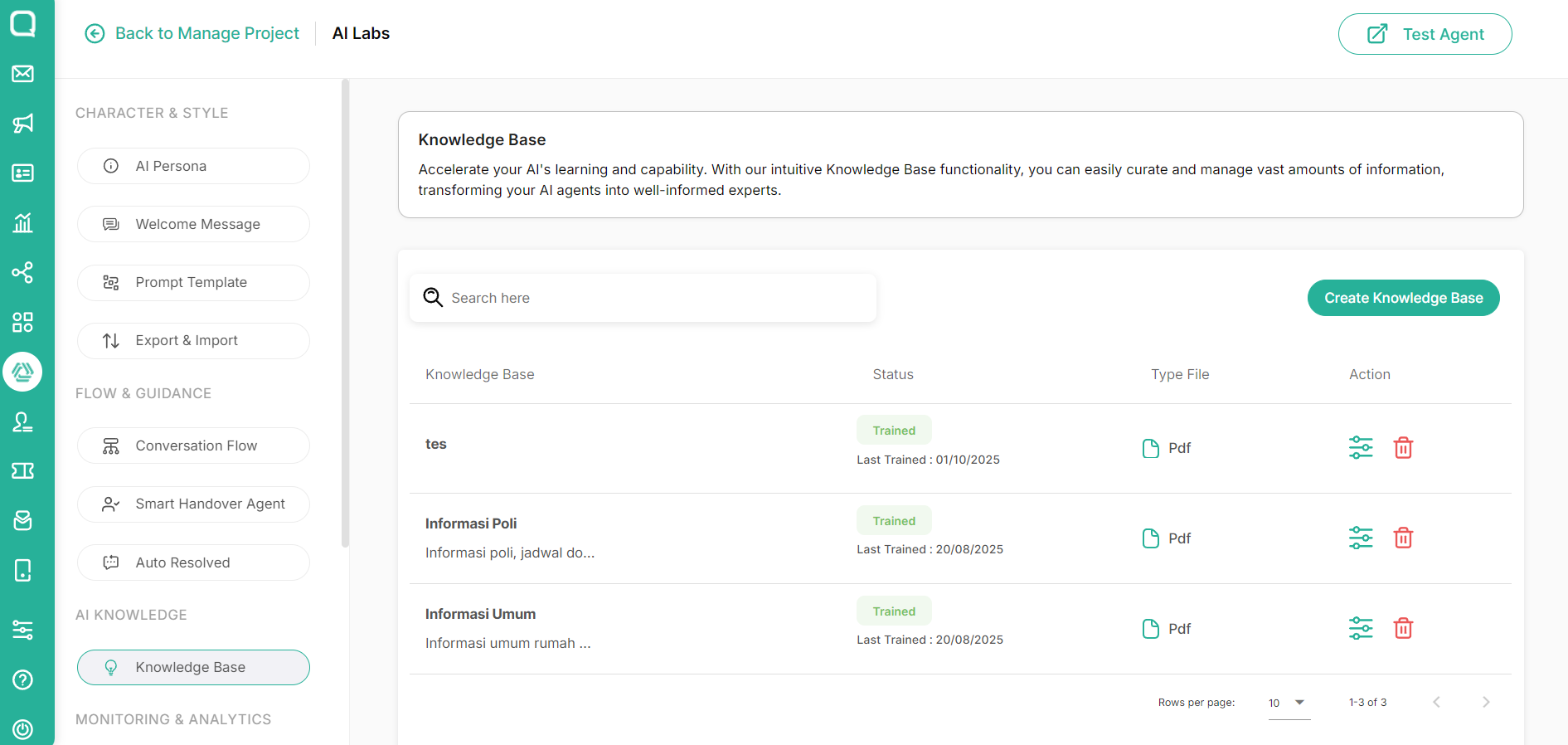 |
| 👎Poor Practice | 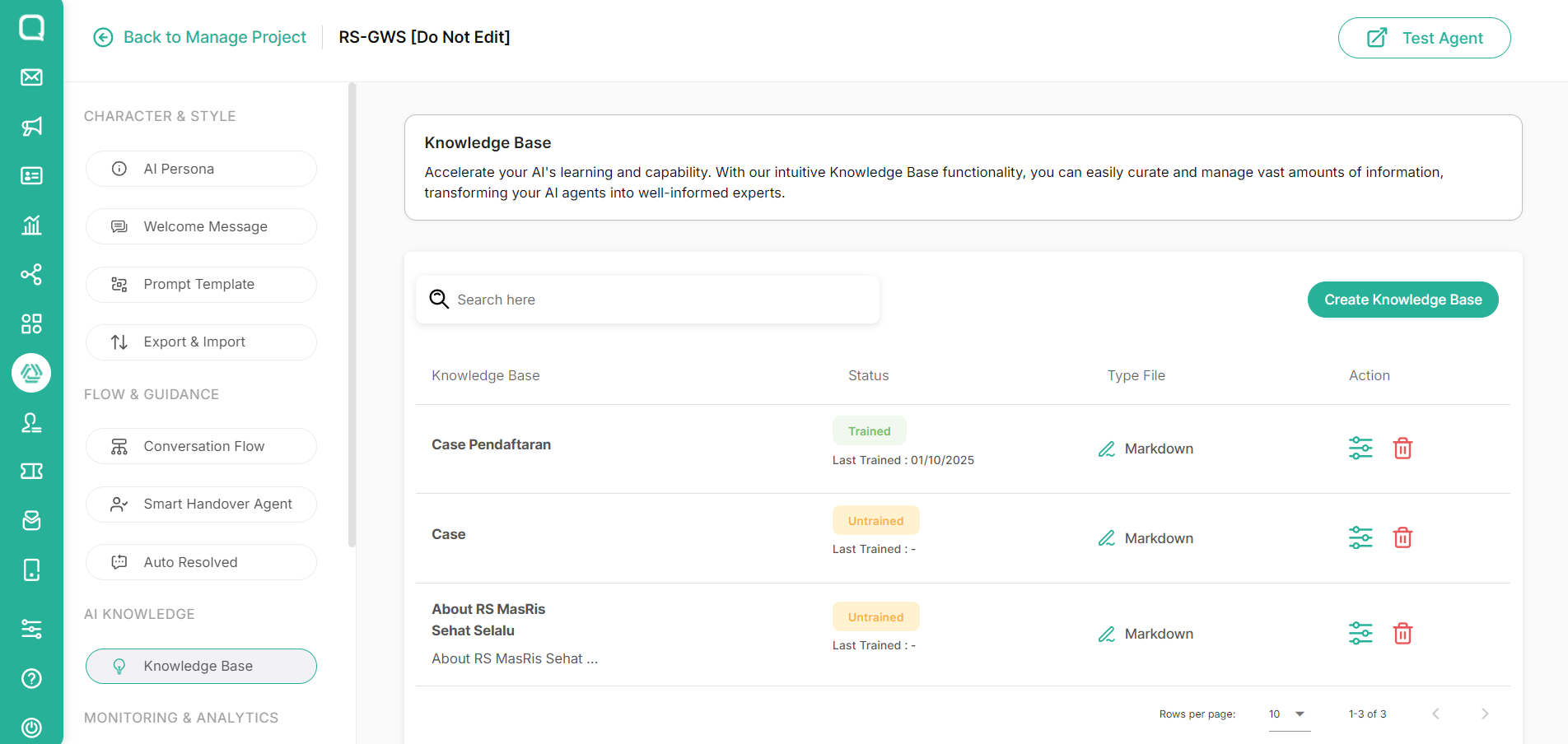 |
Leave a Reply